FAQ
Do I need to install anything else to use ARES?
Most features in ARES work out of the box.
For TikZ export:
The required matlab2tikz package is already bundled inside the ARES src folder.
No external installation is required.
To ensure your environment is correctly configured, visit the Getting Started page for setup steps and required MATLAB toolboxes.
How do I find my instrument’s VISA address?
You can obtain the instrument’s VISA address in several ways:
On the instrument front panel (check LAN or IO settings).
Use Keysight Connection Expert or similar software to scan your local network for supported devices.
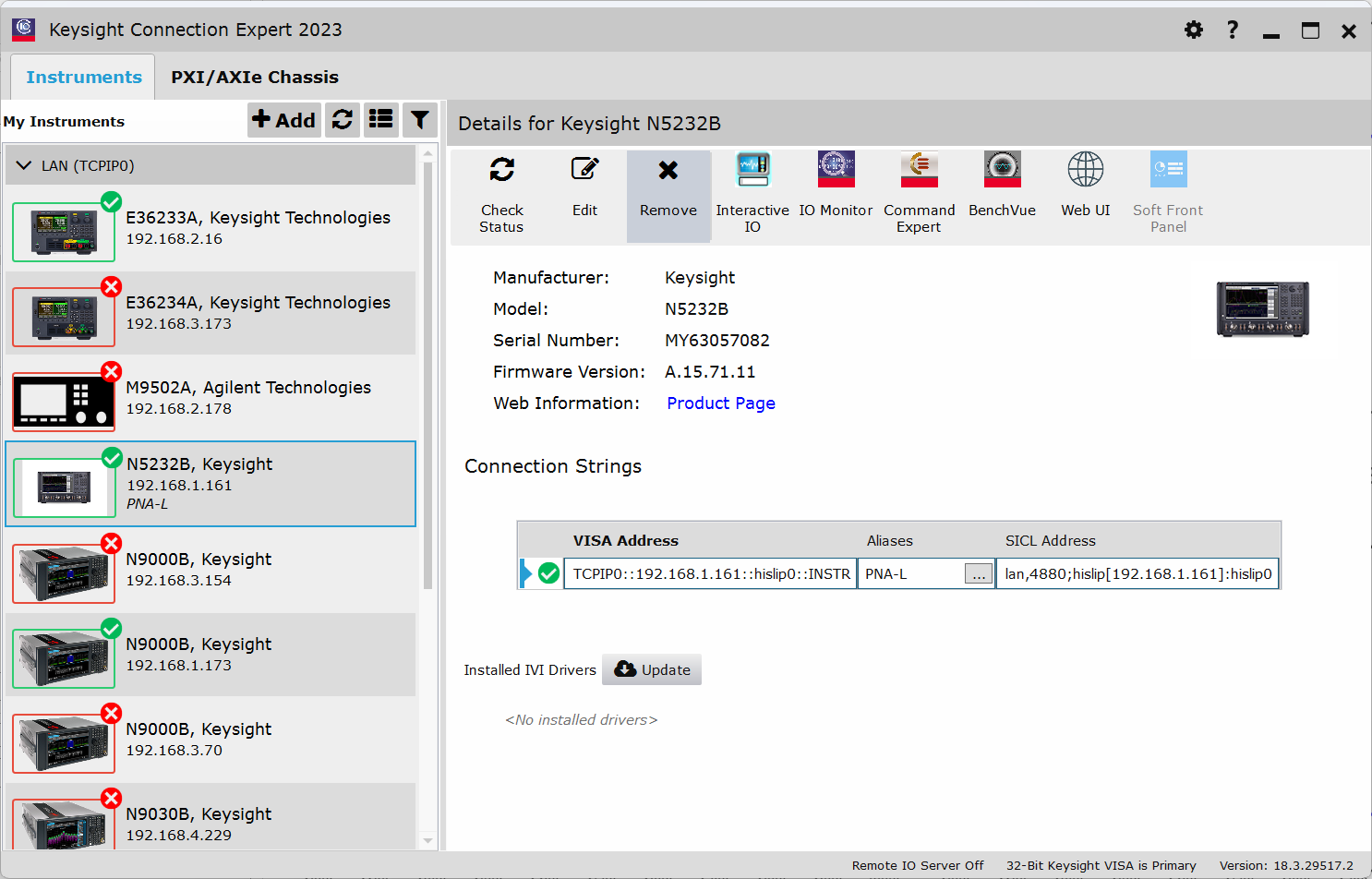
My instrument is not connecting. What should I check?
If ARES is unable to connect to your instrument:
Make sure the instrument and computer are on the same network.
Verify that the IP addresses and subnet masks are compatible.
Test the connection by pinging the device using the command line:
ping XXX.XXX.XXX.XXX
Ensure the VISA resource string is correctly formatted and entered in the instrument database.
Can I edit the instrument list manually?
Yes, the instrument database is a .csv file located at:
<userpath>/ARES/instrument_database.csv
You can open it in Excel, VS Code, or a text editor. Just make sure you preserve the format:
Column headers: Manufacturer, Model, Address
One row per instrument
Where are my saved test results and logs stored?
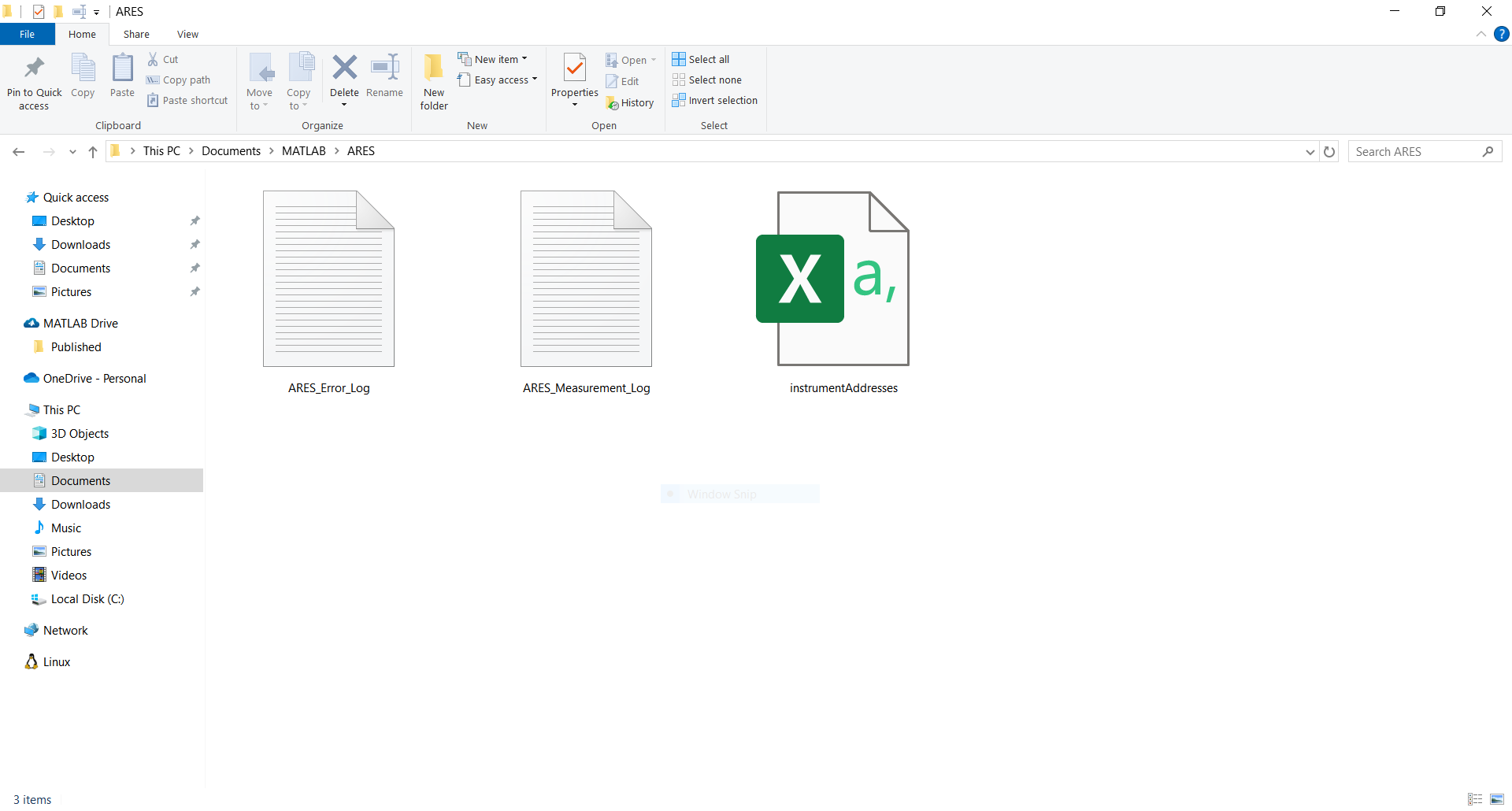
All logs and configuration files are stored in your MATLAB user path under the ARES directory:
<userpath>/ARES/
This includes:
ARES_Error_Log.txt – logs internal app errors
ARES_Measurement_Log.txt – logs the duration of each test
instrument_database.csv – stores instrument addresses
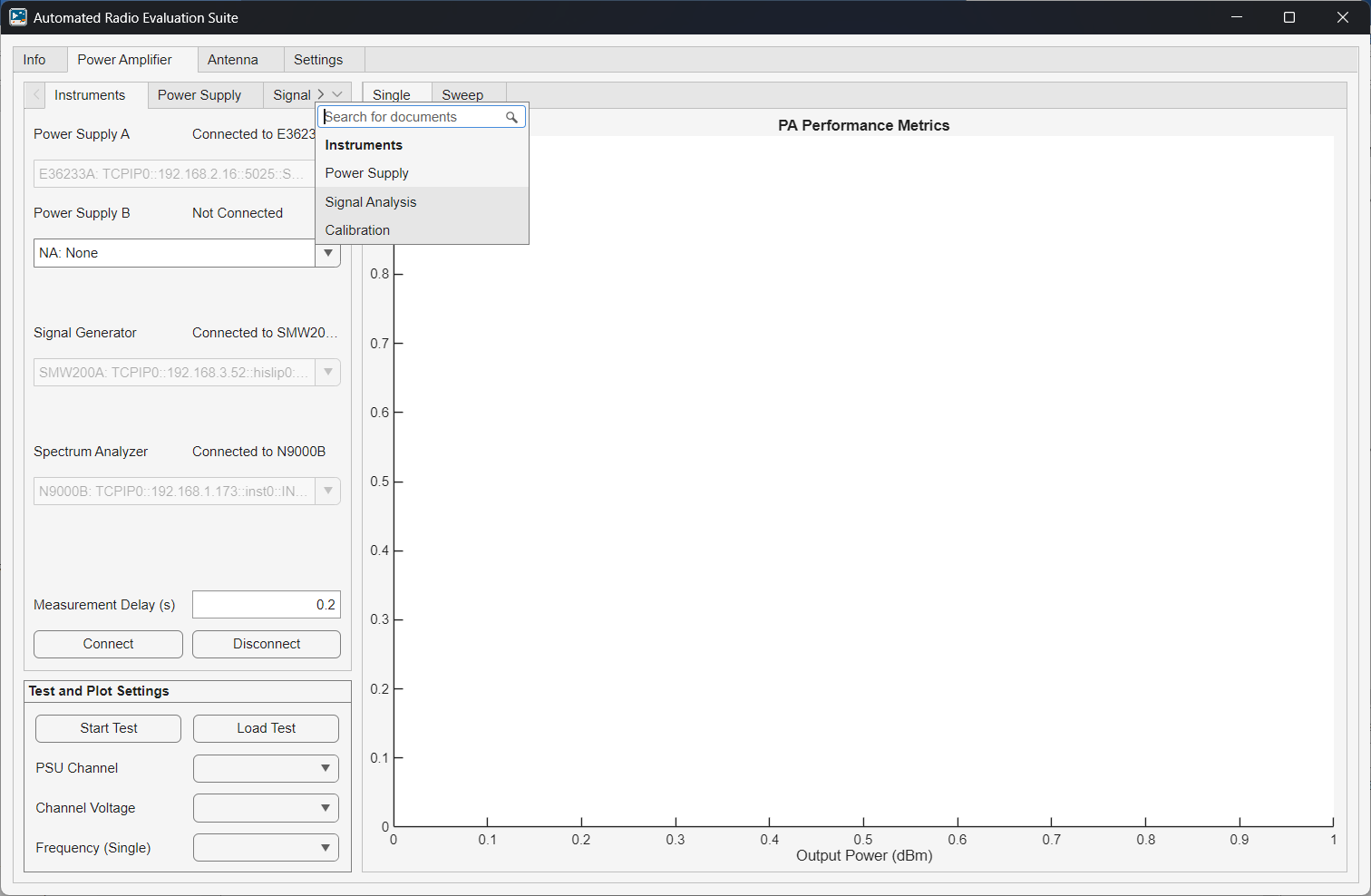
Measurement results are saved wherever you choose when prompted after a test run. ARES opens a folder selection dialog, and you select the location.
Why can’t I export a plot as PDF or TikZ?
Not all plot types support every export format:
TikZ only works for Cartesian 2D plots.
Polar plots cannot be exported using TikZ.
PDF export is not supported for 3D radiation plots.
VNA isn’t returning expected values, what should I do?
Unexpected or incorrect measurements are usually caused by instrument misconfiguration, cabling issues, or calibration mismatches.
Here’s a checklist to troubleshoot:
Verify instrument calibration:
Use a calibration kit or eCal module to calibrate the VNA at the measurement plane (where the DUT and reference antenna connect).
Calibration should be done before connecting the VNA to ARES, using the same frequency range and number of sweep points you plan to use.
Don’t change the VNA frequency sweep settings after calibration:
Once calibration is complete, do not adjust Start/Stop Frequency or Sweep Points in the app.
ARES reads the sweep settings from the VNA to preserve the calibrated state.
Check cables and terminations.
Inspect connectors for damage or wear.